Image SEO: Stop Hiding Your Pictures
Key takeaways
- Google finds images through HTML image elements and does not index CSS background images: Google image guidance.
- Alt text should explain an image's information or function, while purely decorative images need an empty alternative: W3C's Images Tutorial.
- A responsive image still needs an
imgelement with a fallbacksrc, according to Google's guidance. - Image quality, loading performance and the surrounding page all matter; Google describes filenames as only very light clues.
- Google's generative search features can show relevant images, but ordinary image SEO is not a guarantee of inclusion: Google's AI optimisation guide.
Why does an attractive image still need SEO work?
An image that looks good to a visitor is not necessarily being exposed in the way a search engine can discover it. Google distinguishes the technical discovery of image files from the content and metadata of their landing pages.
That creates two things to inspect: the page carrying the image and the image resource itself. Our recommendation is to keep both addresses in an audit record. A screenshot of a beautiful page does not tell you whether its important visual is an HTML image, a CSS background or a file that fails outside a logged-in session.
For an ecommerce site, start with the product photograph that helps someone judge a purchase. For a professional service, start with a useful process diagram or permissioned project image. Prioritise images that answer a buyer's question, not decorative assets merely because there are many of them.

Renaming a thousand files can feel satisfyingly industrious. It is less satisfying when the useful picture was hidden in the template all along.
Can Google find the actual image file?
Use an HTML image element with a usable source for images you want Google to discover. Google's documentation says it can find images in the src attribute of an img element, including one inside a picture element, and that it does not index CSS images.
Our practical sequence is to inspect the rendered page, identify the important image element, copy its actual source and open that resource. Confirm that it returns an image rather than a login page, error document or unrelated replacement. Also ask the developer to check applicable crawler restrictions.
Keep the initial page response and rendered result separate if JavaScript changes the image markup. Our JavaScript SEO guide explains the broader rendering question. Do not assume that seeing an image in your own browser settles every crawler's access.
If useful images are difficult to discover, Google says an image sitemap can supply their URLs. It can include image addresses hosted on a content delivery network, or CDN. A sitemap is a discovery aid, not evidence that an image was indexed.
What should alt text actually say?
Alt text should convey the image's relevant information or purpose, not recite the page's keyword list. Google uses alt text alongside computer vision and page content to understand an image, and warns against keyword stuffing.
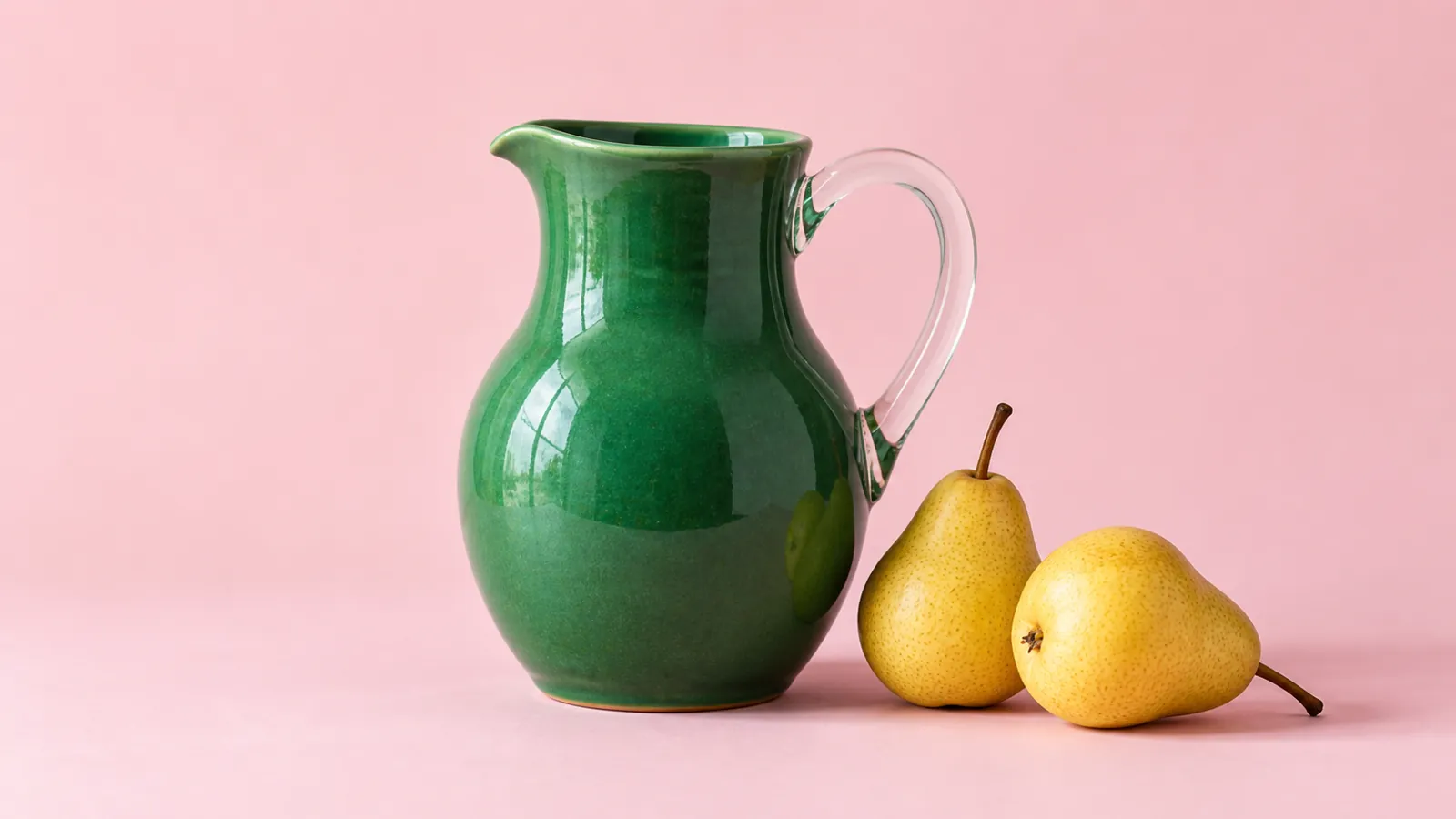
For an informative product photograph, describe the useful visible features. If a picture shows a green ceramic jug with a curved handle, those details are more informative than a string of variations on best luxury homeware. Do not add claims about provenance, materials or certification that the product information does not establish.
The W3C guidance makes an important distinction: a functional image used as a link or button needs text describing its function. A purely decorative image should have an empty alternative, alt="", rather than a sales pitch read aloud by assistive technology.
For a complex chart or diagram, provide a complete text equivalent of the information. A brief label such as performance chart does not communicate the underlying comparison. Keep the meaningful explanation in accessible page content rather than only inside the image.
Do filenames and captions change the picture?
They provide context, but they do not replace discoverability or accurate page content. Google says filenames give very light clues and recommends short, descriptive names, relevant surrounding text and useful image metadata.
Our judgement is to fix broken access and misleading descriptions before undertaking a bulk renaming project. When changing an existing asset address, plan the references that use it rather than treating the filename as an isolated field.
Captions can explain something a photograph alone cannot establish: whether a room is an actual installation, a proposed design or an illustration. Do not describe generated imagery as a completed client project. A visual should support the page's evidence, not impersonate it.
For teams serving different countries or languages, localise the useful description and surrounding commercial context. Adding Dubai, Lagos, Mumbai and London to every alt attribute is not localisation. It is a list of places attached to a jug.

How do you keep images sharp without slowing pages?
Serve images suited to the display while preserving enough quality to make them useful. Google's image guidance recommends responsive-image techniques and balancing image quality with loading performance.
Responsive markup can offer different versions for different displays, but Google recommends a fallback URL in the src attribute. Do not remove that fallback simply because the image works on the device used during design approval.
Our acceptance test is practical: inspect the relevant pages on desktop and mobile, check that important details remain legible and confirm the actual image requests succeed. Record the versions and dimensions being served instead of assuming the largest upload is always the right one.
There is no universal file-size target established by this article. A technical drawing, product detail and decorative texture have different jobs. Choose the smallest version that still performs the intended job well, then measure the page rather than guessing from the export setting.
Can you choose the thumbnail Google shows?
You can express a preference, but Google makes the final selection automatically. Its image documentation describes preferred-image metadata, including primaryImageOfPage, an image associated with the main entity, and og:image.
Use a representative, relevant image rather than a generic logo for every page. Google recommends high resolution where possible and advises against extreme aspect ratios. Our recommendation is to check that the preferred image remains meaningful at thumbnail size and matches the page's central subject.

This is also where a cover deserves separate attention from supporting images. A clear standalone cover and useful detailed illustrations have different editorial jobs. Repeating one picture everywhere is not the same as choosing each role deliberately.
Does image SEO help with AI search?
Google says its generative features can bring in relevant images and that its normal image guidance still applies. That statement comes from Google's current optimisation guide, not a claim that adding pictures earns automatic AI citations.
The same guide says meeting requirements and best practices does not guarantee crawling, indexing or serving. It does not establish the behaviour of every other answer engine. Report observed visibility separately from enquiries, sales and any claim of causal uplift.
What should a useful image audit deliver?
It should deliver a short, verifiable record of important page-and-image pairs and the fixes they need. Our recommended fields are the landing-page URL, image URL, image purpose, rendered markup, text alternative, mobile version, preferred-image setting, identified issue and responsible owner.
After a change, retain the before-and-after evidence and check the live page and asset again. Then monitor the relevant search and commercial outcomes without presenting a repaired image as a proven increase in revenue.
Use our sitemap guide for the wider discovery process. Keep the audit focused on useful images and representative templates rather than producing an enormous spreadsheet with no decisions attached.

Limitations
This is a documentation-based implementation guide, not a site-specific crawl, accessibility certification or ranking experiment. Google's guidance does not establish identical behaviour across search engines. The generated illustrations are not screenshots, client results or proof of a completed audit.
Where should you start?
Choose a product page, a service page and a useful article, then inspect their most important images. Take the resulting page-and-image records to the SAGEO starting point for a conversation about the technical, content and commercial priorities together.