Max-image-preview: Permission, Not a Traffic Promise
Key takeaways
- Max-image-preview accepts none, standard or large; large permits a larger preview, not a compulsory one. Google
- Google's Discover guidance recommends relevant, high-quality images at least 1200 pixels wide, with large previews enabled through the setting or AMP. Google
- Noimageindex is a separate rule about indexing images on the page. Google
- A page must be indexed and eligible for a snippet to appear as a supporting link in AI Overviews or AI Mode. Large image permission is not a substitute. Google
What does max-image-preview actually control?
Max-image-preview sets the maximum size of image preview Google may show for a page in search results. Google's specification
The accepted values are none, standard and large. None requests no image preview; standard allows a default-size preview; large permits a larger preview up to the width of the viewport. Without the rule, Google may show an image preview of the default size. Google also documents exceptions where a publisher has separately granted permission for content use. Rule definitions and exceptions

Our judgement: treat this as a preview-policy decision, not a ranking tactic. The setting grants room for a presentation choice. It does not book the front page of the internet.
Does allowing large previews get you into Discover?
No, allowing large image previews does not guarantee that an article will appear in Discover. Google explicitly separates eligibility from appearance. Discover guidance
The current guidance recommends compelling, relevant images at least 1200 pixels wide, high resolution above 300,000 total pixels and a 16:9 aspect ratio. It also recommends enabling large previews through max-image-preview:large or AMP, and using representative image information through structured data or an og:image meta tag. Image recommendations
Those are connected requirements, not interchangeable shortcuts. A permission setting does not create an appropriate image. A large file does not make an irrelevant image relevant. Google advises against generic logos and text-heavy images for the preferred Discover image. Google
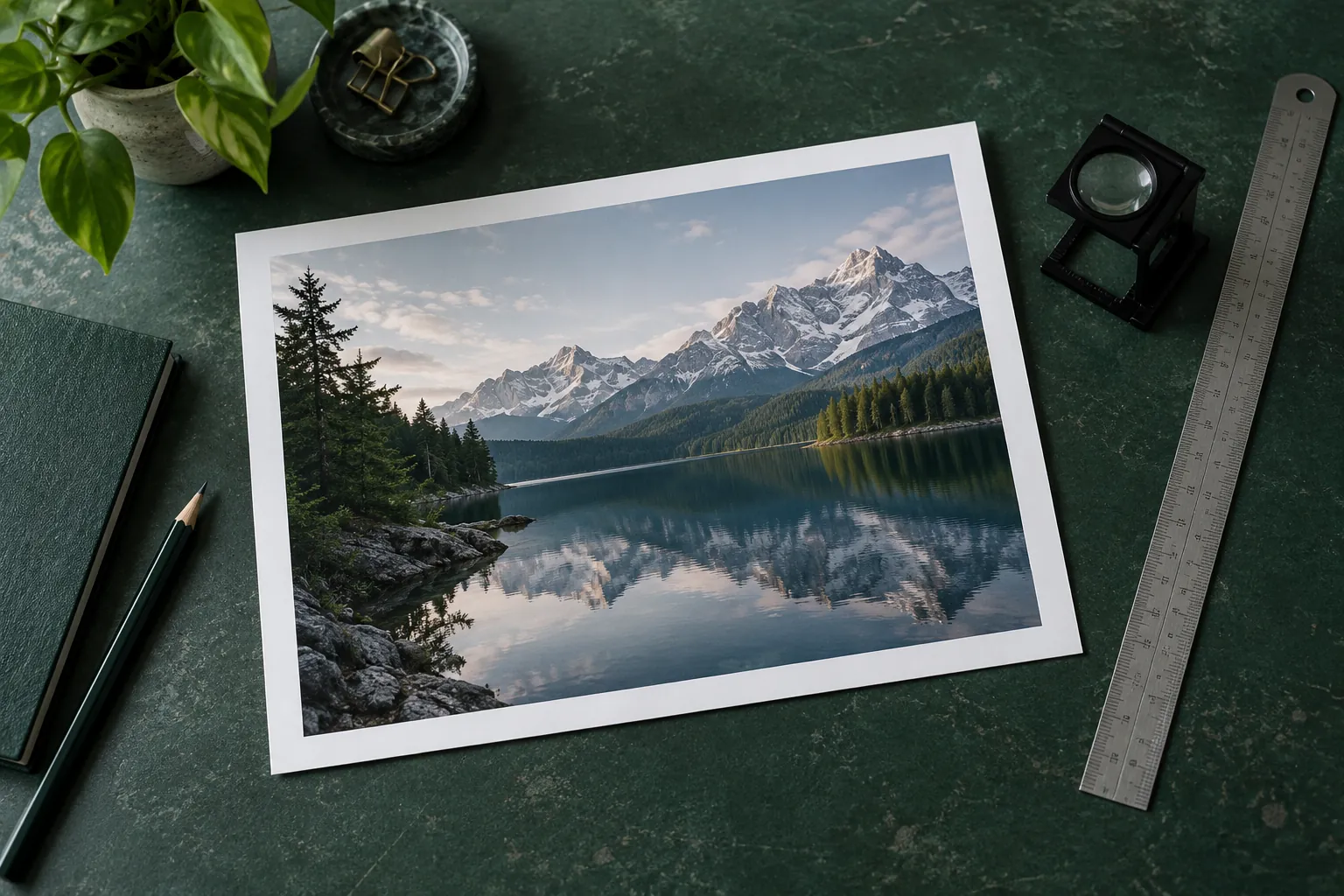
For a publisher commissioning a review, ask which image the page currently identifies, what its actual dimensions are and whether its landscape crop preserves the subject. That is a more useful starting point than copying a tag into every template.
How is this different from noimageindex or nosnippet?
These rules control different things: max-image-preview concerns image-preview size, noimageindex concerns image indexing on the page, and nosnippet restricts text snippets and video previews. Google's robots documentation
Google says a static image thumbnail may still appear under nosnippet when it provides a better user experience. The same documentation says nosnippet prevents page content being used as a direct input for AI Overviews and AI Mode. Do not assume that all preview controls have the same effect. Google
Read our separate nosnippet guide if the decision concerns text reuse rather than image size.
Google also says that conflicting robots rules are resolved using the more restrictive rule. Our review recommendation is therefore to inspect the full relevant instructions, including response headers, rather than stopping after finding one permissive tag. Conflicting rules

Will this improve AI search citations?
Google does not describe max-image-preview:large as a requirement that guarantees citations in its AI search features.
Google's stated technical threshold for supporting links in AI Overviews and AI Mode is an indexed page eligible to appear in Search with a snippet. Its guidance says there are no additional technical requirements, and that indexing and serving remain unguaranteed. AI features and your website
Our recommendation is to keep three observations separate: whether the intended preview permission is present, whether the page and image are accessible, and whether the content is actually shown or cited. A configuration check can establish the first. It cannot honestly report the third as a result that has already happened.
What should an authorised change brief contain?
An authorised change brief should name the exact pages, current rules, proposed modification, verification method and rollback.
For a reviewable proposal, request:
- The affected URL and template scope, including any exceptions.
- The before-state in the HTML and relevant HTTP headers.
- The precise intended preview-policy change and why the image rights support it.
- A read-back of the same pages and image assets after deployment.
- A saved before-state and named owner able to restore it.
Our judgement is to start with a representative article and its actual cover image, not a blind site-wide change. Any template or robots change needs the applicable owner's approval before execution.
Use SAGEO's framework to connect that technical review with content quality and measurement. Bring the affected pages and current evidence to a SAGEO discussion, rather than buying an unsupported promise of Discover traffic.

Limitations
This explains Google's published behaviour, not a live audit of your site or the rules of every AI platform. Search presentation can vary, and the documented permission exceptions matter. No traffic uplift, ranking change, Discover inclusion or AI citation is promised. The review outline does not authorise a production change.